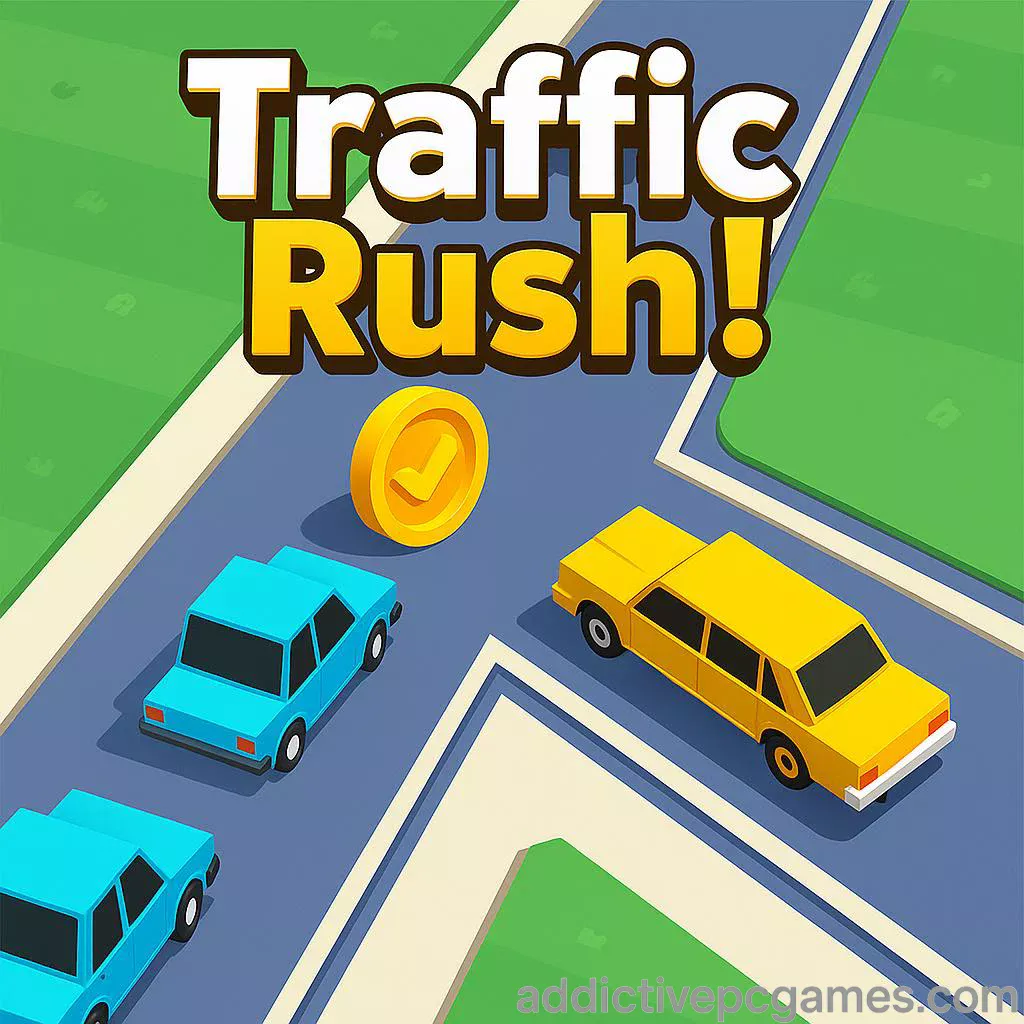
Play Traffic Rush! right now on addictivepcgames.com. Click the Play button above to start, then keep the intersection crash free and chase a new high score.
Introduction
If you love fast, finger-twitch arcade action, Traffic Rush! is your next obsession. This online browser game drops you at a busy crossroads where every swipe and tap matters. Guide cars through gridlock, react to surprise trains, and push your reflexes to the limit. Whether you are sneaking in a quick round at lunch or marathon grinding for a leaderboard-worthy score, Traffic Rush! is easy to learn and thrilling to master. Hit Play above to enjoy a smooth, unblocked session of this traffic management classic right here on addictivepcgames.com.
About Traffic Rush!
Traffic Rush! blends arcade reflexes with light strategy. You direct vehicles through an endlessly intensifying intersection, preventing fender benders by pausing some cars and slingshotting others. The loop is pure pick up and play, yet the timing windows and risk-reward flicks give the browser game surprising depth. Expect a tight learning curve, buttery physics, and that “one more try” rush that keeps you coming back.
History of Traffic Rush!
Born as a beloved mobile hit from the late 2000s, the Traffic Rush formula popularized intersection control gameplay for a whole generation. The browser version you can play online on this page keeps that classic feel, then trims the friction: zero download, instant start, and quick restarts for rapid-fire attempts. It is the essence of the original distilled for instant fun on desktop or phone.
Style & Vibe
Clean, readable visuals, punchy color cues, and crisp sound effects make every decision feel satisfying. Collisions are dramatic without being chaotic, and the minimalist UI keeps your focus on flow, not menus.

Gameplay in Traffic Rush!
The goal is simple: keep traffic moving, avoid crashes, and rack up points. Tap or click a vehicle to stop or resume it. Drag or swipe forward to give it a burst through the intersection. Traffic Rush! escalates speed and spawn rates over time, so your focus shifts from micromanaging single cars to managing lanes, rhythms, and near misses. Trains add spice with multi-lane blockages that force you to stage cars, create gaps, and commit to bold flicks when windows open.
Game Modes
- Classic Intersection: Endless high-score mode with cars that scale in speed and density.
- Rail Rush: A train-infused twist that challenges your timing and lane planning.
How to Play
- Press Play above to launch the browser game window.
- Let the first few cars roll in, then tap or click a vehicle to pause it when lanes cross.
- Drag or swipe forward on a car to push it through a gap.
- Watch for trains, then queue cars safely and release them in batches.
- Chain safe passes to build momentum, avoid collisions, and chase a new record.
Controls
- Mouse: Left click to stop or resume a car. Click and drag forward to speed it up.
- Touch: Tap to stop or resume. Swipe forward to boost. Two-finger taps work well for quick lane juggling.
- Pause/Restart: Use the in-game buttons for fast resets after a close call.
Device Compatibility & Browser Support
Traffic Rush! runs smoothly in modern browsers like Chrome, Edge, Firefox, and Safari on Windows, macOS, Linux, Android, and iOS. No download, no sign up, just play. For best results, keep only a few tabs open and enable hardware acceleration in your browser settings.
Mobile vs. Desktop Gameplay
Mobile: Natural flicks and taps, perfect for quick sessions. Desktop: Pixel-precise mouse control that helps with late-game threading. Try both to see which style boosts your high score.
Can I Play Offline?
In the browser, you need an internet connection. On mobile, the native app versions support offline play after install.
Can I Play Unblocked?
Yes, Traffic Rush! on addictivepcgames.com is designed to load over standard HTTPS, which often works on restricted networks. If your school or office blocks game iframes, try a different browser, switch to mobile data, or ask your network admin to allow the domain.
Tips & Tricks
Beginner Tips
- Learn lane rhythms first. Only boost when you are sure a full gap exists.
- Keep one lane rolling while staging the crossing lane. Alternating streams is safer than all-or-nothing bursts.
- Tap to stop, then swipe to send. Mixing both actions creates clean waves.
- Use the train as a reset. Stack cars safely, then release a planned sequence after it passes.
Advanced Strategies
- Create “priority lanes.” Choose one approach that rarely stops, and feed others around it.
- Chain micro-flicks. Short swipes keep cars moving without overcommitting to risky sprints.
- Queue management. Park slower vehicles first so faster ones can snake through openings.
- Vision discipline. Scan two spawns ahead, not just the next car, to avoid surprise collisions.
Features
- 🚦 Lightning-fast intersection control with tight physics
- 🚂 Optional train challenges that rewire your timing
- 📈 Endless high-score chase perfect for short sessions
- 🖱️ Intuitive tap, click, and swipe controls
- 💡 Minimal UI with instant restarts
- 🔊 Crisp audio cues for smarter decision making
- 🧠 Easy to learn, surprisingly deep to master
- 🌐 Play online in your browser, no download needed
Unlockables & Secrets
On mobile, premium upgrades can unlock the train mode and remove limits, which pairs nicely with offline play. In the browser, the magic is in mastery: learning spawn timings, using sound cues, and perfecting low-risk routes. Challenge yourself with personal goals like “no stops for 30 cars” to build consistent flow.
Cheats & Mods
There are no official cheats for Traffic Rush!. Third-party mods can break performance or introduce security risks. If you want an easier run, practice with slower pacing first, then increase your flick speed as your lane reading improves.
Walkthrough Summary
Open with alternating waves: let north-south roll while east-west stacks, then swap. When a train approaches, fully stage the blocked approaches. As soon as tracks clear, fire off your queued cars in order of closest to farthest, prioritizing the longest clear lane. Repeat, shorten your pauses, and start weaving quick boosts to squeeze extra vehicles through each window.
Scoring, Records & Progression
Each safe pass adds to your score. As traffic density rises, your mental model of lanes becomes the real progression system. Track personal bests, set time-boxed goals, and screenshot milestones to keep improving. Small optimizations compound dramatically past the mid-game.
Why Play Traffic Rush!
Traffic Rush! is perfect when you crave instant action without a learning wall. It is a clean, rewarding browser game that respects your time and skill. One click to play, one more run to beat your record, and a whole lot of pulse-pounding saves.
Pros & Cons of Traffic Rush!
- Pros: Snappy controls, zero-friction browser access, addictive high-score loop, great on both desktop and mobile.
- Cons: Endless format can feel repetitive if you prefer level-based progression, late-game speed spikes punish slow reactions.
- Use a modern browser with hardware acceleration enabled.
- Close heavy extensions or ad blockers that interfere with iframes.
- Switch to full screen for better lane visibility and fewer misclicks.
- On laptops, plug in for higher CPU boost clocks and steadier frame pacing.
- If inputs feel laggy, lower display scaling or try a different browser profile.
Similar games to Traffic Rush!
- Traffic Run!: Simple car crossing with quick lane timing.
- Crossy Road: Frogger-style hopping with reactive traffic reads.
- Traffic Racer: Endless highway weaving and car upgrades.
- Mini Motorways: Zen network planning with escalating pressure.
- Rail Maze: Track-switching puzzles with timing challenges.
- Bad Traffic: Tap-to-stop flow control with crash avoidance.
FAQ
Is Traffic Rush! free to play online?
Yes, you can play the browser game for free on this page without downloading anything.
Does Traffic Rush! support touch controls?
Yes, it supports touch on mobile browsers along with mouse on desktop.
How do I get better at late-game speed?
Plan two spawns ahead, stage one lane at a time, and use short flicks to maintain flow without overcommitting.
Can I pause the action?
You can stop individual cars by tapping or clicking them, which acts like a micro pause for that lane.
Why did I crash when I swiped through a gap?
Your timing window was too tight or a hidden car entered from offscreen, so widen gaps and scan earlier.
Does the game work on school networks?
Often yes, since it loads over standard HTTPS, but some networks still block game iframes. If blocked, try mobile data or another browser.
Is there any paywall in the browser version?
No, the browser game is free to play. On mobile, optional purchases can remove limits and enable extra modes.
Where can I get the official mobile versions?
Use the official store links above on the App Store and Google Play to install the native apps.
Conclusion
Few arcade experiences deliver pure flow like Traffic Rush!. It is instant to start, tense to survive, and endlessly replayable. Whether you chase a 5-minute break or a 50-minute mastery session, this browser game keeps your pulse up and your clicks sharp.
Ready to thread the needle and own the intersection? Hit the Play button above to launch Traffic Rush! on addictivepcgames.com, then come back for one more run when you set a new personal best.