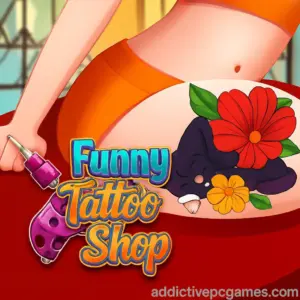
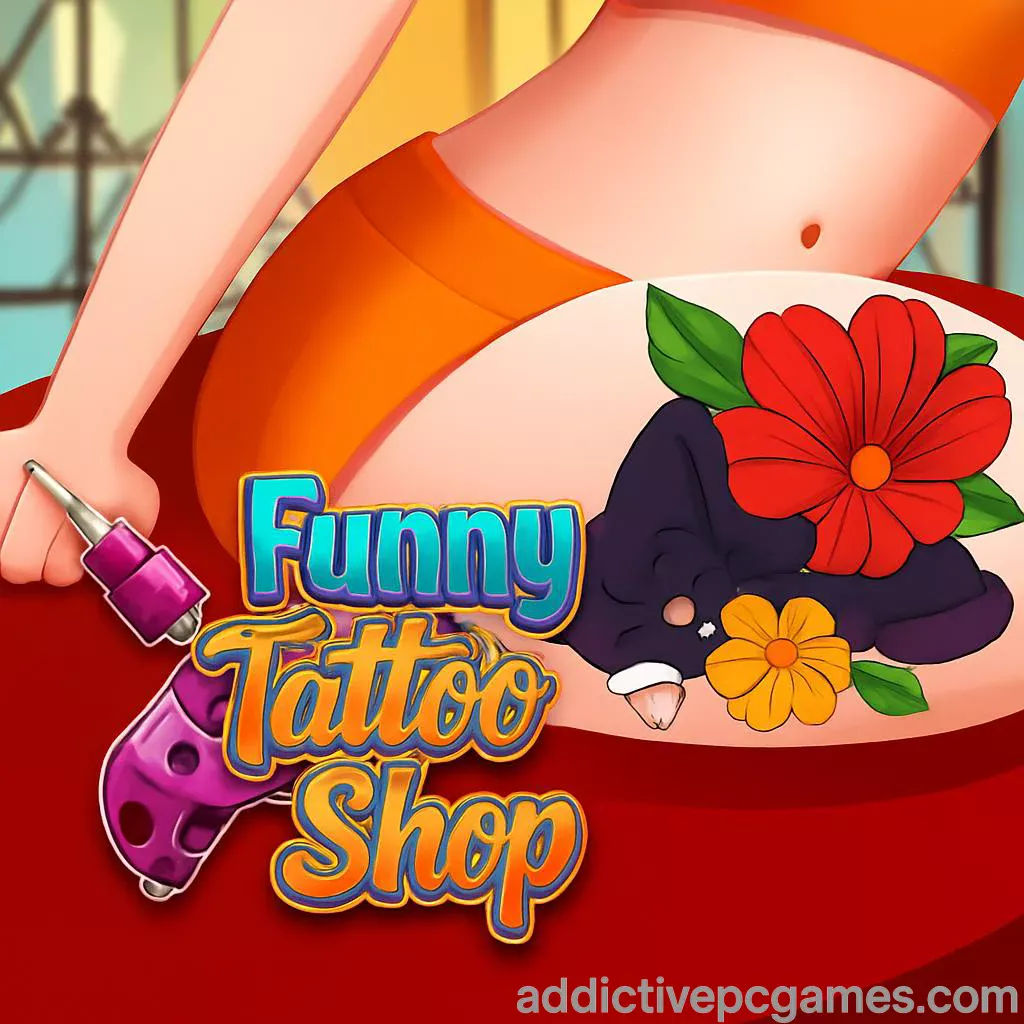
Play Funny Tattoo Shop right now on addictivepcgames.com, no downloads, just click Start and let your inner artist shine. Funny Tattoo Shop is a fast, satisfying tattoo simulator and makeover browser game you can play online in seconds. Pick stencils, trace clean outlines, fill vivid colors, and make every customer smile. If you are searching for an unblocked tattoo game, this lightweight HTML5 title runs in most school or office networks where gaming access is allowed. Ready to ink your first masterpiece? Jump in and play Funny Tattoo Shop on SITEURL today.
About Funny Tattoo Shop
Funny Tattoo Shop drops you behind the counter of a bustling tattoo studio. The loop is simple and rewarding: meet a client, choose a design that fits their vibe, prep the skin, outline carefully, color inside the lines, apply aftercare, and collect your rating. It is a pick-up-and-play browser game built for short, satisfying sessions that still scratch the creative itch. Expect chill ASMR-style tool sounds, clean UI, and a flow that welcomes beginners while leaving room for flawless runs.
History of Funny Tattoo Shop
Funny Tattoo Shop follows the rise of touch-friendly, HTML5 art and salon sims that exploded with the shift to mobile browsers. The game leans into quick levels, forgiving tools, and feel-good feedback so anyone can experiment with tattoo art without the pressure of permanent ink. It has become a go-to micro break for fans of makeover and drawing games who want relaxing creativity in under a minute.
Style & Vibe
The aesthetic favors bright, friendly colors, clean icons, and satisfying micro-animations when the needle glides or the fill hits 100 percent. Customer reactions sell the moment, turning perfect lines and color harmony into smiles and high scores.

Gameplay in Funny Tattoo Shop
Each job plays like a mini art puzzle. You will select a stencil, align it on the arm or leg, then trace with steady motion. The game rewards precision and patience, so slow, smooth input beats quick flicks. After outlining, you switch to fills and gradients, choosing colors that match the client’s request. Stickers or small extras can bump the final rating. Missed lines and color spills reduce satisfaction, so keep a stable hand and watch the guide paths.
Game Modes
- Classic Queue: Serve a line of clients, one tattoo at a time.
- Challenge Runs: Complete designs under a time limit or with limited mistakes.
- Freestyle Moments: Small opportunities to pick colors and accents for extra style points.
How to Play
- Tap or click Play, then pick a client and design.
- Position the stencil, confirm placement, and prep the area.
- Trace the outline with steady movement, keep to the guide.
- Fill colors carefully, use smaller tips for tight corners.
- Add optional accents or stickers if available.
- Finish with aftercare and submit to see your rating and rewards.
Controls
- Desktop: Mouse to aim, hold left click to trace or fill. Scroll or on-screen buttons to switch tools.
- Mobile or Tablet: Touch and hold to draw, lift to stop. Tap icons to change tip size or colors.
Device Compatibility & Browser Support
Funny Tattoo Shop is an HTML5 browser game designed for Chrome, Edge, Safari, and Firefox. It runs well on modern Windows, macOS, iOS, Android, and Chromebooks with a stable internet connection.
Mobile vs. Desktop Gameplay
- Mobile: Natural for tracing, quick sessions, easy one-hand play.
- Desktop: Best for precision lines with a mouse, smoother control on tiny details.
Can I Play Offline?
No. Funny Tattoo Shop runs in your browser and needs an active internet connection to load and save progress.
Can I Play Unblocked?
Many networks allow HTML5 games. If your school or workplace blocks gaming, access depends on local policies. Use a standard up-to-date browser and play at home or on permitted networks.
- Web: Play on addictivepcgames.com in your desktop or mobile browser.
- Official mobile apps for Funny Tattoo Shop are not available at this time.
- Try a similar mobile hit with full store support:
Tips & Tricks
Beginner Tips
- Start slow. Accuracy beats speed for higher ratings.
- Zoom your browser page if you struggle with tiny edges.
- Use lighter pressure or shorter strokes on curves to avoid spillovers.
- Match colors to the preview before committing to fills.
- Pause between strokes to reset your hand and improve stability.
Advanced Strategies
- Outline first with a small tip, then fill with a larger tip to save time.
- Work from inside to outside to keep edges crisp.
- For gradients, feather the needle with quick micro lifts near borders.
- Reserve accents like sparkles or stickers for designs that need a last-second rating boost.
- Track which designs have tight corners and adjust sensitivity in your browser or device settings.
Features
- 🎯 Precision tracing with satisfying feedback loops
- 🎨 Bold color palette and easy tool swapping
- 🧩 Bite-sized levels perfect for quick breaks
- 📈 Ratings and rewards that encourage mastery
- 🖼️ Variety of tattoo themes and placements
- 🕹️ Play online in any modern browser
- 📱 Touch-friendly controls on phones and tablets
- 🔊 Relaxing ASMR-style sound cues
Unlockables & Secrets
As you deliver clean lines and strong color work, expect new designs, fresh color swatches, and cosmetic extras to roll in. Aim for flawless outlines to unlock the stricter challenge variants faster.
Cheats & Mods
There are no official cheats or mod support. Third-party scripts can break saves or harm performance, so stick to in-game tools. If you want an easier run, practice on simpler shapes before tackling complex curves.
Walkthrough Summary
Open Funny Tattoo Shop, pick the client, align the stencil, trace carefully, fill with the requested colors, and add tasteful accents. Keep strokes smooth and controlled. Submit, check your rating, then repeat for the next design. A few clean runs will upgrade your studio flow and consistency.
Scoring, Records & Progression
Your rating reflects line accuracy, color fill, time, and client happiness. Improve personal bests by reducing mistakes and keeping a steady pace. Track progress by how many perfect designs you can chain without errors.
Why Play Funny Tattoo Shop
It is quick to learn, relaxing to master, and scratches both the art and puzzle itch. Whether you are into makeover sims, coloring games, or creative challenges, Funny Tattoo Shop turns free minutes into stress-free wins.
Pros & Cons of Funny Tattoo Shop
- Pros: instant play in browser, smooth touch controls, friendly visuals, rewarding feedback.
- Cons: simple loop can feel repetitive over long sessions, requires internet, limited realism by design.
- Use the newest version of Chrome, Edge, Safari, or Firefox for smoother input.
- Close heavy tabs and extensions before playing to reduce input lag.
- Enable hardware acceleration in your browser settings if disabled.
- On mobile, switch to Do Not Disturb to avoid touch interruptions.
- If colors appear dull, raise your device brightness and disable power saver.
Similar games to Funny Tattoo Shop
- Ink Inc. Tattoo Drawing, a fast draw-and-fill tattoo challenge.
- Fashion Tattoo Studio 4, design-forward tattoo sessions with style choices.
- Draw Tattoo, steady-hand outlines with relaxing fills.
- Tattoo Master 3D, short precision levels with client reactions.
- ASMR Beauty Salon, chill makeover vibes with tactile tool sounds.
- Paper Doll Diary: Dress Up DIY, creative design flow for fashion fans.
FAQ
What genre is Funny Tattoo Shop?
It is a casual tattoo simulator and makeover browser game focused on precision drawing and color fills.
Is Funny Tattoo Shop free to play?
Yes, you can play online for free in your browser.
Does Funny Tattoo Shop work on mobile?
Yes, it plays smoothly on modern iOS and Android browsers with touch controls.
How long is a typical level?
Most designs take 30 to 90 seconds depending on outline complexity and your pace.
Can I customize colors?
Yes, you can select from multiple swatches and tip sizes for precise fills.
Is progress saved?
Your browser may store local progress. Clearing cookies or switching devices can reset it.
Are there ads?
Some browser builds include short ads between levels to keep the game free.
Is there a mobile app for Funny Tattoo Shop?
No official app exists right now. Try Ink Inc. on the App Store or Google Play for a similar experience.
Conclusion
Funny Tattoo Shop delivers fast, creative fun you can play anywhere. Clean outlines, bold colors, and upbeat feedback make every session feel like a mini win. If you love artful browser games or makeover sims, this one fits perfectly into short breaks.
Ready to create your next masterpiece? Tap Play on addictivepcgames.com, fire up Funny Tattoo Shop, and start inking with style.