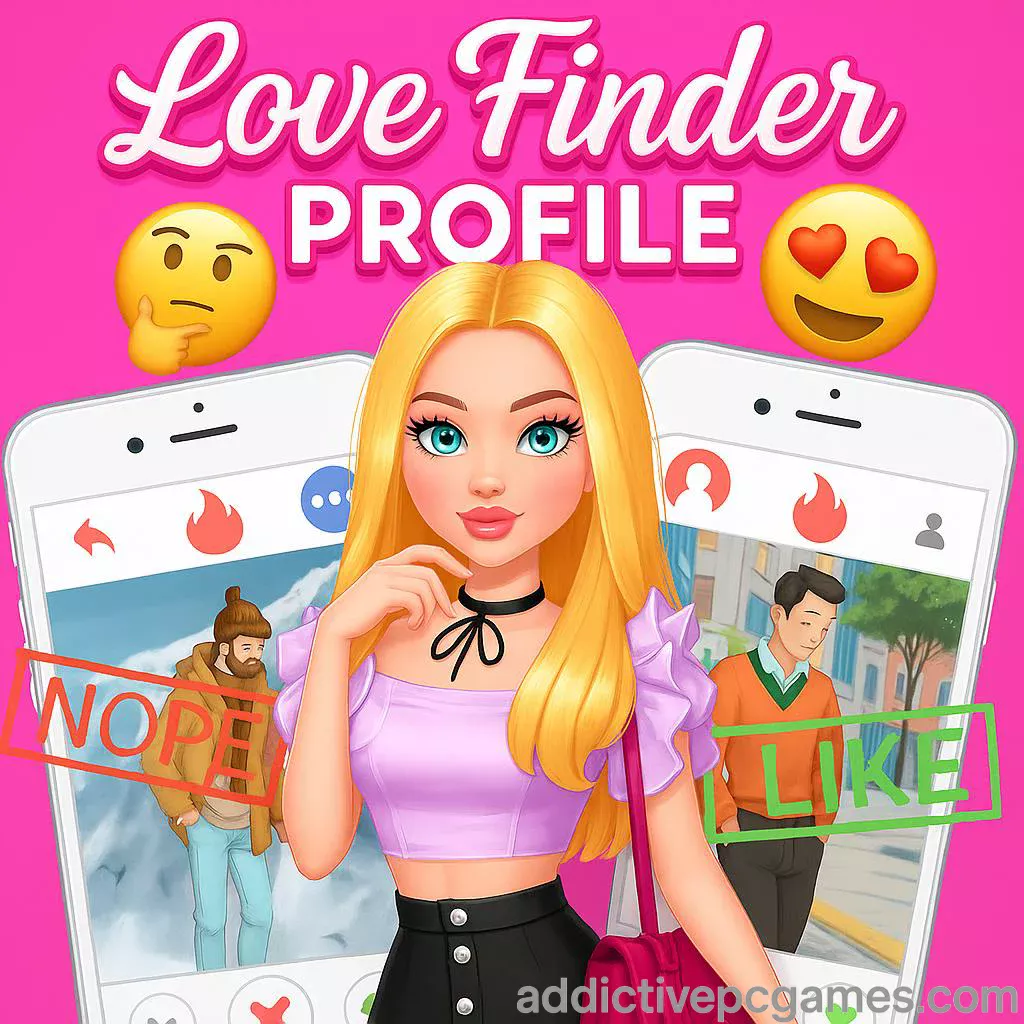
Play Love Finder Profile right now on addictivepcgames.com and start building the cutest profile on the web. Love Finder Profile is a lighthearted dress-up and dating profile creator that runs as an online browser game, perfect when you want quick fashion fun and swipe-style chatting without a download. Style your look, snap pics, fill your profile, then swipe to match and message. If you are hunting for a casual, unblocked game you can launch in seconds, this one delivers. Click play, try new outfits, and see who slides into your DMs inside Love Finder Profile.
About Love Finder Profile
Love Finder Profile blends dress-up, makeover, and social-sim vibes into a pick-up-and-play package. You choose hairstyles, outfits, accessories, and backgrounds, then curate a series of photos to populate your dating app profile. After posting, you browse potential matches, swipe left or right, and jump into short chat snippets that react to your choices. It is simple to learn and fun to replay, especially if you enjoy fashion games and flirty mini interactions in a clean, no-download browser experience.
History of Love Finder Profile
This title became a fan favorite on web portals in the mid-2020s, landing squarely in the casual fashion and dating-sim niche. Iterations over time focused on smoother touch controls, faster load times, and broader device compatibility so players can carry their style sessions from desktop to phone in the same browser.
Style & Vibe
Expect bright UI, expressive avatars, and a playful mood. The whole loop is built around creative self-expression and low-pressure choices. Whether you are experimenting with pastel streetwear or classy evening looks, the goal is to craft a profile that feels uniquely you.

Gameplay in Love Finder Profile
The flow is straightforward. Enter the dressing room, browse categories, and assemble outfits by mixing tops, bottoms or dresses, shoes, accessories, and hairstyles. Choose a background, pose for a selfie, then publish the gallery to complete your profile. Once live, start swiping. Matches unlock short chats where you pick responses to keep the conversation going. There is no heavy grind, just quick sessions that reward creativity and playful banter.
Game Modes
- Dress-Up Studio: Build looks across multiple tabs, try color variants, and compare options.
- Photo Shoot: Pick backgrounds and snap a sequence of profile pics.
- Swipe & Chat: Browse suitors, swipe to match, and pick replies in quick chats.
- Freestyle Sandbox: No pressure, just experiment with combos and save your favorites.
How to Play
- Click Play on addictivepcgames.com.
- Enter the studio and explore each wardrobe category.
- Combine hairstyle, outfit, shoes, and accessories until you love the look.
- Select a background and take several photos for your profile grid.
- Publish your profile, then swipe to discover matches.
- Chat, pick witty responses, and try fresh looks for new conversations.
Controls
- Mouse: Click to select, drag to compare items, scroll to browse lists.
- Touch: Tap to choose, swipe in photo and match screens, pinch to scroll longer menus.
- Keyboard: Arrow keys or scroll wheel for lists, Enter to confirm selections where available.
Device Compatibility & Browser Support
Love Finder Profile runs in modern browsers with no download: Chrome, Edge, Firefox, and Safari. It performs smoothly on Windows, macOS, Android, and iOS. Keep a stable connection for fastest asset loading.
Mobile vs. Desktop Gameplay
- Mobile: Best for quick sessions, swiping, and one-thumb outfit tweaks.
- Desktop: Wider view for mixing outfits fast and comparing items side by side.
Can I Play Offline?
No. Love Finder Profile is an online browser game that requires an internet connection to load assets and save session data.
Can I Play Unblocked?
In most cases yes, since it runs in-browser with no install. Access depends on your network’s rules. If you are on a school or work device, follow local policies. Using HTTPS and a modern browser often helps with unblocked access.
- Browser: Play Love Finder Profile on addictivepcgames.com from your desktop or mobile browser.
No official mobile app version for Love Finder Profile exists at this time. Want something similar on mobile stores? Try a fashion-forward pick with romance elements:
Tips & Tricks
Beginner Tips
- Start with a theme, then pick hair and outfit to match the background.
- Create three contrasting looks, bright, casual, and elegant, to fill the profile grid.
- Use accessories sparingly so your main outfit pops in smaller thumbnails.
- When chatting, keep responses short and confident to unlock more replies.
Advanced Strategies
- Batch your photos. Shoot several backgrounds with the same outfit, then swap accessories for fast variety.
- Build a color story across your grid so the profile looks cohesive.
- Alternate close-ups and full-body shots to add visual rhythm.
- Replay with different personas, playful, artsy, or chic, to see how dialogues change.
Features
- 🎨 Deep dress-up wardrobe with hairstyles, outfits, and accessories.
- 📸 Photo backgrounds that frame your look beautifully.
- 💬 Quick swipe and chat sequences for instant feedback.
- 🖱️ Smooth mouse, keyboard, and touch input for true browser flexibility.
- ⚡ Fast loading and no download required, perfect for short breaks.
- 🔁 High replay value with multiple fashion themes and replies.
- 📱 Plays great on phone, tablet, laptop, and desktop.
- 🔒 Lightweight saves in your browser so you can continue later on the same device.
Unlockables & Secrets
While there is no traditional loot track, you can unlock fresh looks by exploring every category and revisiting the studio after chats. Try pairing understated outfits with striking backgrounds or vice versa. Some reply chains appear after you post new photos, so rotating your profile gallery can surface new lines.
Cheats & Mods
There are no official cheats or mods for the online version of Love Finder Profile. Be cautious with browser extensions or third-party scripts, which can harm performance or privacy. The best shortcut is a strong theme and efficient photo planning.
Walkthrough Summary
- Open the studio and choose a theme for your session.
- Select hair, outfit, shoes, and two accessories that support the theme.
- Pick one bright background and one neutral background for contrast.
- Capture 3 to 5 photos and publish your profile.
- Swipe through matches, reply with confidence, and note which looks get better responses.
- Return to the studio, refine, and repeat with a fresh persona.
Scoring, Records & Progression
Love Finder Profile does not use a formal score. Your progress is the evolving profile you design and the conversations you unlock. Treat your grid like a portfolio, track favorite combos, and aim to build a cohesive nine-tile layout. Session data typically saves to local storage on the same device and browser.
Why Play Love Finder Profile
If you enjoy fashion games with swipe-based social twists, this is the perfect coffee-break pick. It is fast, friendly, and endlessly replayable, especially when you challenge yourself to build new aesthetics and witty chat personas.
Pros & Cons of Love Finder Profile
- Pros: Instant play in browser, accessible wardrobe, fun swipe and chat loop, great on mobile.
- Cons: No deep progression system, story snippets are short, limited long-term goals unless you set your own.
- Use the newest Chrome, Edge, Firefox, or Safari for best input latency.
- Enable hardware acceleration in browser settings if animations feel choppy.
- Close heavy tabs, then reload the game to free memory on older devices.
- On mobile, use portrait lock and strong Wi-Fi or 5G for quicker asset loading.
- If a session stalls, clear the tab cache for the game page and relaunch.
Similar games to Love Finder Profile
- Love Nikki, a wardrobe-driven fashion saga with themed styling battles.
- Episode, interactive romance stories where your choices shape the drama.
- Choices, pick-your-path novels spanning love, mystery, and fantasy.
- Dress Up! Time Princess, historical fashion makeovers with branching tales.
- Project Makeover, makeover puzzles mixed with character styling.
- Style Savvy series, boutique management and outfit curation for fashion fans.
FAQ
What type of game is Love Finder Profile?
It is a casual dress-up and dating profile browser game with swipe and chat mini sequences.
Is Love Finder Profile free to play?
Yes, it runs free in your browser with no download.
Does Love Finder Profile work on mobile?
Yes, it is touch friendly and plays in mobile browsers on Android and iOS.
Can I play Love Finder Profile unblocked at school?
Many networks allow it since it is an in-browser game, but availability depends on local rules.
How do I save progress?
Your session typically saves to the same device and browser via local storage until you clear cache.
Are there multiple endings?
There are different chat replies and reactions, but no heavy story routes or endings to collect.
What are the controls on desktop?
Use the mouse to click items, drag to compare, and scroll lists, with Enter to confirm where supported.
Is there any offline mode?
No, it requires an internet connection.
Conclusion
Love Finder Profile keeps things breezy and creative, giving you a fashion playground and swipe-chat flirtation in one tidy online package. It fits perfectly into short breaks, and the replay loop shines when you try bold new aesthetics and rebuild your profile grid.
Ready to match your next look with your next chat? Click Play on addictivepcgames.com and jump into Love Finder Profile today.