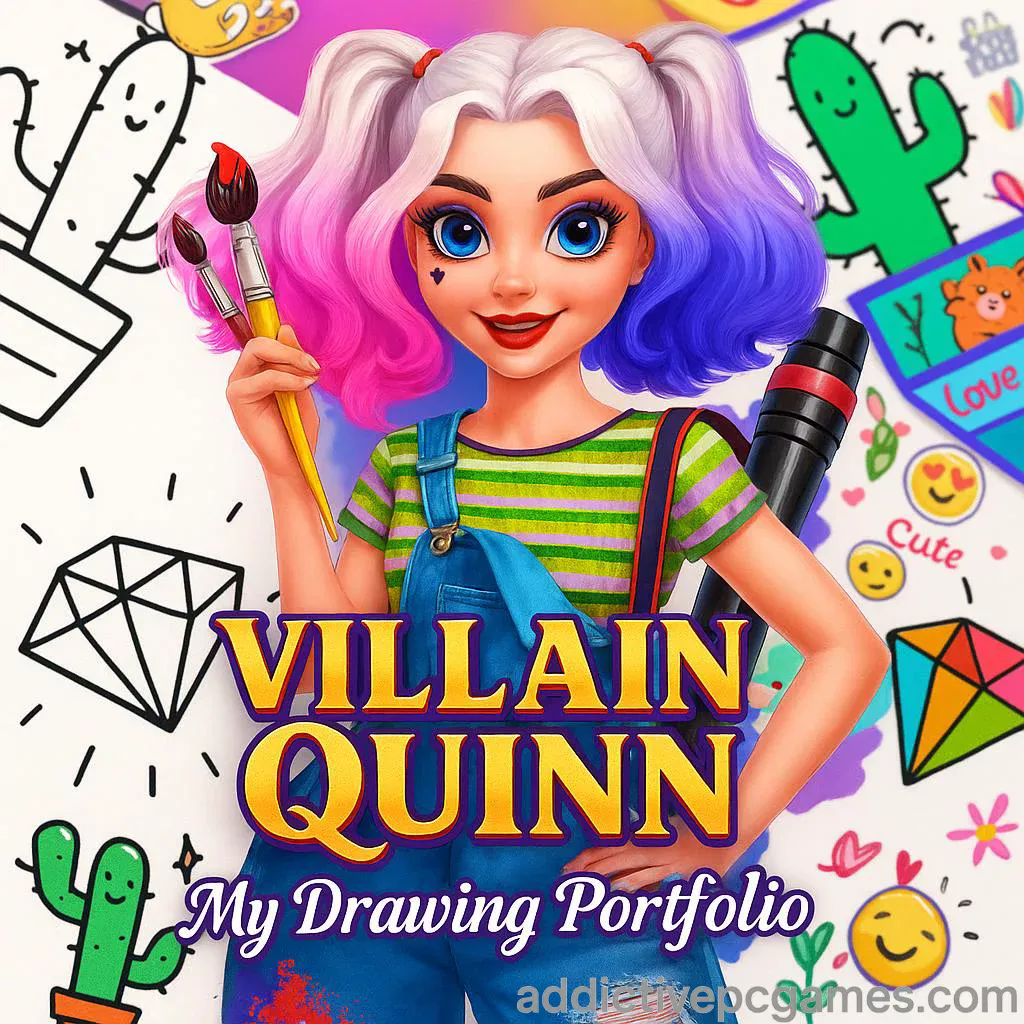
Play Villain Quinn: My Drawing Portfolio now on AddictivePCGames.com and turn a blank page into bright art in seconds. Villain Quinn: My Drawing Portfolio is a cozy drawing and coloring browser game that runs online with no download. Pick a sketch, choose your palette, and relax while you fill your portfolio. Whether you are on Chromebook, Windows, Mac, iPhone, or Android, this unblocked HTML5 experience loads fast and feels intuitive. If you love creative games, tap Play and start your first masterpiece on our site.
About Villain Quinn: My Drawing Portfolio
Villain Quinn: My Drawing Portfolio blends coloring book comfort with simple art tools that anyone can use. The loop is soothing: select a sketch, pick colors, brush over each area, decorate, then save or move to the next page. As an online drawing game, it is perfect for short breaks and longer unwind sessions, and it shines on both mobile and desktop browsers. Fans of casual art, coloring, and girls’ games will feel right at home.
History of Villain Quinn: My Drawing Portfolio
HTML5 creative games surged in popularity as browsers got faster and touch screens became standard. Villain Quinn: My Drawing Portfolio grew out of that wave, focusing on stress free creativity, simple tools, and a gallery style portfolio. The appeal is timeless, since players of all ages can jump in, make something colorful, and come away with a finished piece in minutes.
Style & Vibe
The art style focuses on bold lines, punchy colors, and upbeat stickers and frames that add personality to each page. The UI keeps controls clean and reachable, so you can settle into a calm, almost meditative coloring session without juggling menus.

Gameplay in Villain Quinn: My Drawing Portfolio
Each session starts in a sketch gallery. Choose a drawing, then use a color wheel and simple brushes to fill areas. You can swap shades, adjust intensity, and try different finishes for soft gradients or solid fills. After coloring, apply frames or stickers to complete the page and add it to your portfolio. The game is forgiving, with easy undo and eraser options, so you can experiment freely and find your style.
Game Modes
- Portfolio Mode: Pick any sketch from the gallery and color at your own pace.
- Free Coloring: Treat it like a sandbox, test palettes, and relax without goals or timers.
- Creative Challenges: Set your own constraints like limited palette or timed coloring for extra fun.
How to Play
- Click Play on AddictivePCGames.com to load Villain Quinn: My Drawing Portfolio.
- Open the sketch gallery and choose a drawing.
- Select a color, adjust shade, and pick a brush style.
- Click or tap to fill regions neatly. Use the eraser or undo if needed.
- Add stickers or a frame for extra polish, then return to the gallery for your next piece.
Controls
- Mouse: Left click to select tools and colors, click or click drag to paint.
- Touch: Tap to select, tap or swipe to fill and decorate.
- UI Buttons: Brush types, color picker, undo, eraser, stickers, frames.
Device Compatibility & Browser Support
This online coloring game is built for modern browsers. It runs smoothly on Chrome, Edge, Safari, and Firefox across Windows, macOS, iOS, Android, and Chromebooks. Keep your browser updated and enable hardware acceleration for the best experience.
Mobile vs. Desktop Gameplay
On phones and tablets, tapping feels natural for quick fills and relaxing couch play. On desktop, a mouse offers extra precision for edges and small details. Both options are great, so pick what feels comfy.
Can I Play Offline?
No. Villain Quinn: My Drawing Portfolio is an online browser game, so you need an internet connection to load and play.
Can I Play Unblocked?
Yes in most cases. The game is an unblocked HTML5 title on AddictivePCGames.com. If your school or work network restricts gaming, try a different supported browser or your home connection.
- Browser: Play free on AddictivePCGames.com.
- Official mobile apps: There are no official App Store or Google Play versions of Villain Quinn: My Drawing Portfolio.
- Want a mobile alternative with real store listings? Try Draw It by Kwalee:
Tips & Tricks
Beginner Tips
- Start with solid fills to block major areas, then layer lighter shades for depth.
- Use the color picker to keep a consistent palette across a series of sketches.
- Frame your piece last, matching the border to your dominant color.
- Zoom your browser tab if you need extra precision on fine lines.
Advanced Strategies
- Build complementary or triadic color schemes for bold contrast.
- Layer soft strokes to create watercolor style gradients without harsh edges.
- Push focal points with saturated highlights and keep backgrounds muted.
- Create themed sets, like pastel portraits or neon nights, to make your portfolio feel curated.
Features
- Relaxing tap to color gameplay with an easy learning curve
- Brush options for solid fills and soft blends
- Intuitive color wheel with shade control
- Frames and stickers to personalize your page
- Fast loading HTML5, no download required
- Works on mobile, tablet, and desktop browsers
- Undo and eraser for stress free experimentation
- Calming, low pressure sessions you can finish in minutes
Unlockables & Secrets
Build a cohesive portfolio by reusing palettes and frames across multiple sketches. Try a limited palette challenge, like three colors plus white, to discover stylish results with fewer choices. Snap a device screenshot of your finished page to share your best work.
Cheats & Mods
There are no built in cheats, and third party mods are not recommended for browser safety. The best way to “cheat” is to practice quick color blocking, then refine edges. Keep the experience safe by playing only on trusted sites like AddictivePCGames.com.
Walkthrough Summary
Open the gallery, pick a sketch, select a color and brush, fill large regions first, correct with the eraser, then decorate. Repeat with a new sketch and keep your favorite looks in your portfolio. That simple loop is why Villain Quinn: My Drawing Portfolio works so well as a daily creative break.
Scoring, Records & Progression
This game is about creativity, not leaderboards. Your progress is visual, reflected in a growing set of finished pages and a more confident color sense over time. Treat each piece as a mini project and your gallery becomes a record of improvement.
Why Play Villain Quinn: My Drawing Portfolio
If you want a friendly, unblocked coloring game that runs online in any modern browser, this one delivers a relaxing flow and quick wins. You get instant creative payoff without complex tools, perfect for kids, families, and anyone who needs a calm reset.
Pros & Cons of Villain Quinn: My Drawing Portfolio
- Pros: fast loading, beginner friendly tools, soothing vibe, runs on almost any device, no download.
- Cons: limited depth compared to full art apps, no offline mode, creative goals are self directed.
- Use an up to date browser like Chrome or Edge and enable hardware acceleration.
- Close heavy tabs or background streams to free memory for smoother coloring.
- On mobile, disable battery saver while playing to avoid input lag.
- If the game frame stalls, refresh the page and clear cached files for the site.
Similar games to Villain Quinn: My Drawing Portfolio
FAQ
What kind of game is Villain Quinn: My Drawing Portfolio?
It is a casual online coloring and drawing browser game that you play directly in your web browser.
Do I need to download anything?
No, it runs in the browser on AddictivePCGames.com with no download.
Is Villain Quinn: My Drawing Portfolio unblocked?
Yes, it is an unblocked HTML5 game in most networks, though some schools or workplaces may restrict gaming sites.
Can I play on a phone or tablet?
Yes, the touch controls work well on iOS and Android devices using a modern browser.
Is there an offline mode?
No, you need an internet connection to load and play.
Does the game have scores or timers?
No, the focus is creativity and relaxation, so you can color at your own pace.
Are there official mobile apps for this exact game?
No official apps exist for this title. If you want a mobile substitute, try Draw It on the App Store or Google Play using the links above.
What if the game does not load?
Refresh the page, clear your browser cache, disable extensions that affect iframes, and check your connection.
Conclusion
Villain Quinn: My Drawing Portfolio is the quick creative break your day needs. It is gentle, colorful, and instantly satisfying, the kind of browser game you can open for five minutes and leave with a finished piece in your portfolio.
Ready to color your first page? Play Villain Quinn: My Drawing Portfolio on AddictivePCGames.com and start building a gallery you are proud to share. Grab a sketch, pick your palette, and let your colors do the talking.