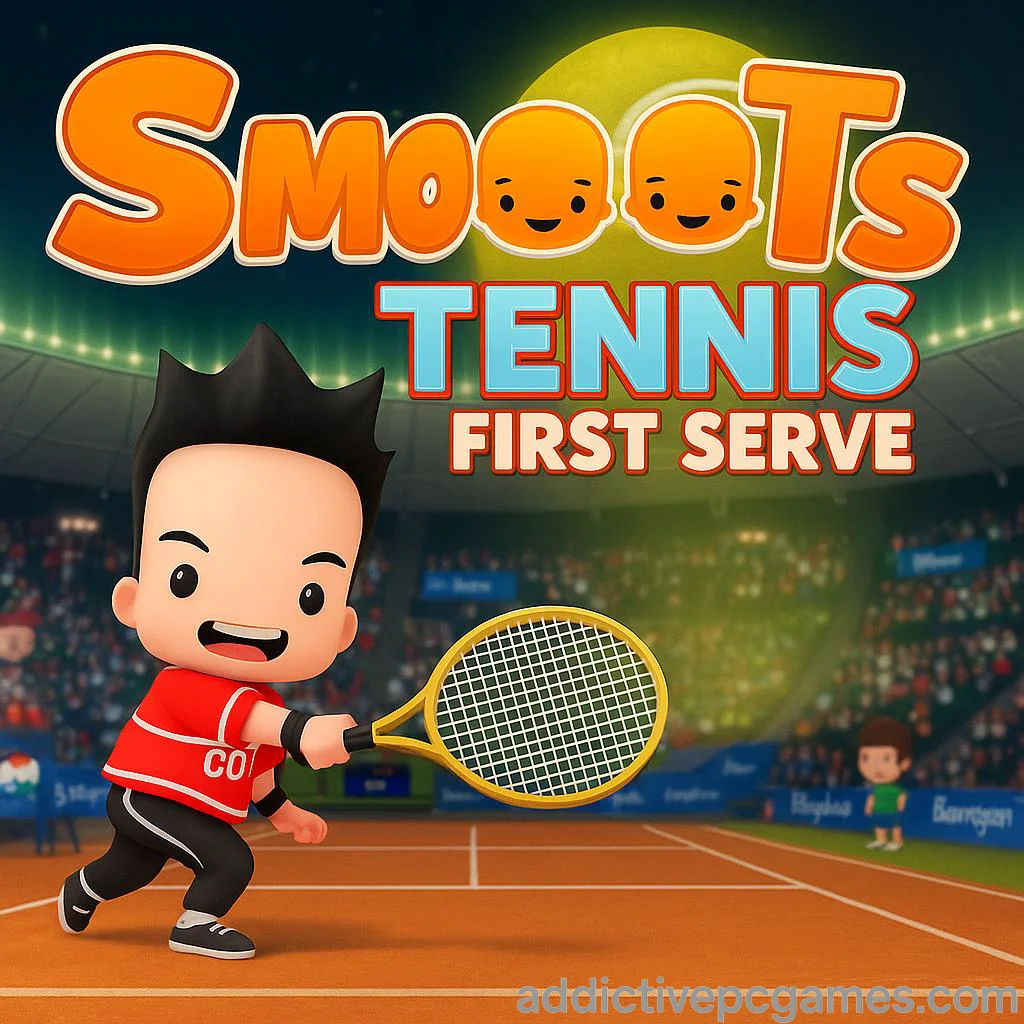
Play Smoots Tennis First Serve right now on addictivepcgames.com and jump straight into a fast, free browser tennis showdown. Smoots Tennis First Serve delivers snappy arcade rallies, charming characters, and quick matches built for instant fun. Whether you want a relaxing hit-around or a sweat-inducing tie break, this online tennis browser game serves up tight controls and satisfying ball physics. Looking for an unblocked way to rally on lunch break or at school, where allowed, without installs or signups? You are in the right place. Click start, pick your court, and let the points fly.
About Smoots Tennis First Serve
Smoots Tennis First Serve is a bite-size spin on classic tennis, blending accessible arcade mechanics with the personality of the Smoots universe. The focus is on clean timing, readable ball trajectories, and quickfire rounds that feel great on both keyboard and touchscreen. It is perfect for a few fast games or an evening of score chasing, all inside your browser on addictivepcgames.com.
History of Smoots Tennis First Serve
The Smoots sports series has charmed players for years with colorful, big-headed athletes and approachable sports action. Smoots Tennis First Serve captures that same lighthearted vibe in a streamlined browser format, built for instant loading, short sets, and casual competition. Think of it as a pick-up-and-play rally that distills the essence of arcade tennis into a quick web session.
Style & Vibe
Bright courts, exaggerated animations, and friendly audio cues keep the mood upbeat while still making every rally feel consequential. The camera stays tight enough to read spin and bounce, yet wide enough to plan angles and counterattacks. Expect a playful look with just enough realism to reward skillful footwork and timing.

Gameplay in Smoots Tennis First Serve
The core loop is simple: move, position early, charge or tap your swing, and aim for open space. Rally speed ramps as exchanges lengthen, so shot selection matters. Flat drives press your opponent, lobs punish over-aggressive positioning, and slices buy recovery time. Timing windows are generous for new players, yet advanced play rewards reading bounce height and striking at peak contact for extra pace.
Game Modes
- Quick Match: One-and-done points or short sets for fast fun.
- Challenge Runs: Beat escalating AI opponents with limited errors.
- Practice Court: Groove your timing with endless feeds and variable ball speeds.
- Tie-Break Sprint: First to 7, win by 2, pressure cranked from point one.
How to Play
- Press Play, choose a mode, then pick your character and court surface.
- On serve, line up, start your toss, and release at the top of the meter for a powerful first ball.
- On return, move early, meet the bounce at waist height, and aim toward open space.
- Mix flats, slices, and lobs to move your rival and force errors.
- Win games and sets by maintaining serve pressure and attacking second serves.
Controls
- Desktop: Arrow keys or WASD to move. Tap Space for a quick shot, hold to charge. Many builds also map slice and lob to nearby keys, check the on-screen legend in the lower corner.
- Mobile: Drag to position, tap to hit, long press to charge. Flick in a direction to add pace and angle.
- Pause and Settings: Use the gear icon to toggle sound, adjust quality, and view the current key map.
Device Compatibility & Browser Support
Smoots Tennis First Serve runs in modern browsers that support WebGL and WebAssembly. For the smoothest experience, use the latest Chrome, Edge, Safari, or Firefox. Enable hardware acceleration in browser settings, keep only a few tabs open, and set the in-game quality to Medium on older devices.
Mobile vs. Desktop Gameplay
Desktop offers pinpoint positioning and consistent serving with a keyboard. Mobile favors swipe aiming and quick taps for casual rallies. If you want max control for competitive scores, go desktop. If you want comfy couch play, mobile touch feels great.
Can I Play Offline?
You need an internet connection to load the game and assets. After loading, some sessions can continue briefly if your connection dips, but progress features rely on being online.
Can I Play Unblocked?
Many networks allow access because it is a browser game, but availability depends on local filters. If your school or workplace blocks gaming sites, try a personal device on a home or mobile connection.
- Play in your browser on addictivepcgames.com with no download.
- Official mobile stores for this exact title: no published iOS or Android app at this time.
- Want a mobile tennis fix with active store listings? Try Tennis Clash:
Tips & Tricks
Beginner Tips
- Serve wide to open the court, then hit behind the opponent on the next ball.
- When late, choose cross-court. The net is lower and the court is longer.
- Hold your swing a split second longer at peak bounce for extra pop.
- Recover to the center mark after every shot to cut off angles.
- Use slice when out of position to buy time and reset the rally.
Advanced Strategies
- Vary serve height and placement to force weak returns you can attack down the line.
- Hide your intent by starting with the same stance, then change aim at the last moment.
- Build patterns: wide serve, deep cross, short angle. Repeat until the opponent overcommits.
- Use a short lob only when rival camps the net, then step in and finish the next ball.
- Track stamina. Charged swings are great, but a quick tap at perfect timing can be faster out of the split step.
Features
- 🎾 Fast, responsive arcade tennis built for the browser
- ⚙️ Simple controls with optional advanced shots and charge timing
- 🌐 Play free online with instant match starts
- 📱 Smooth touch controls on mobile, precise keyboard play on desktop
- 🧠 Smart AI that scales from casual to competitive
- ⏱️ Short matches, great for quick sessions or daily streaks
- 🔊 Toggle sound, quality, and camera helpers in settings
- 🏅 Local stats and streak tracking to fuel your next PB
Unlockables & Secrets
Earn cosmetic colors and rackets by clearing challenge milestones. Keep an eye on perfect-serve windows during tie-breaks, they can trigger a subtle speed buff that turns defense into offense for one rally.
Cheats & Mods
There are no official cheats or mods for Smoots Tennis First Serve. Third-party tools can harm performance or break saves. For fair competition and the best stability, use the controls and difficulty options built into the game.
Walkthrough Summary
Start in Practice to lock in timing, then run a few Quick Matches on medium AI. Add slice on defense, use lobs sparingly, and attack short replies with flat drives. When you are winning games consistently, jump into Tie-Break Sprint for pressure testing and higher scores.
Scoring, Records & Progression
Scoring follows classic tennis with 0, 15, 30, 40, and advantage, with short-set or tie-break variants in certain modes. Your local stats track wins, longest rally, aces, and clean winners. Push difficulty to grow your rating faster and chase personal bests.
Why Play Smoots Tennis First Serve
It is quick to learn, satisfying to master, and perfect for snack-size sessions. The browser format means you can rally from anywhere, while the arcade feel makes every clean strike addictive.
Pros & Cons of Smoots Tennis First Serve
- Pros: Immediate play, smooth physics, approachable controls, great for short breaks.
- Cons: Focused feature set, online leaderboards and deep customization may be limited in this build.
- Keep your browser updated and enable hardware acceleration for steadier frame rates.
- Close heavy tabs, pause video streams, and set in-game graphics to Medium on older hardware.
- If inputs feel delayed, try a private window or disable aggressive extensions while playing.
Similar games to Smoots Tennis First Serve
FAQ
Is Smoots Tennis First Serve free to play?
Yes, you can play free in your browser on addictivepcgames.com with no download.
Does the game work on mobile phones and tablets?
Yes, the HTML5 build runs on modern mobile browsers. For best results, rotate to landscape and use the on-screen controls.
What are the best browsers to use?
Current versions of Chrome, Edge, Safari, and Firefox are recommended. Turn on hardware acceleration for smoother play.
Can I save progress?
Local stats save in your browser storage. Clearing cache or switching devices can reset them.
Is there multiplayer?
This browser build focuses on quick single-player matches against AI. If local 2P is available in your version, you will see a 2 Player toggle on the mode screen.
How do I make serving easier?
Watch the toss and hit at the top of the meter, a clean contact window adds pace and accuracy.
Why is my game lagging?
Close other tabs, lower the in-game quality, and check your connection. If needed, try a private window.
Conclusion
Smoots Tennis First Serve nails the sweet spot between arcade fun and satisfying shotmaking, all inside your browser. Short sets, crisp timing, and a cheerful style make it perfect for pick-up-and-play rallies or extended score hunts.
Ready to swing? Hit Play above and enjoy Smoots Tennis First Serve free online on addictivepcgames.com. Serve big, paint the lines, and chase that next perfect tie-break.